A single place can feel like many places depending on where you stand. A town square looks calm from a balcony, busy from street level, and almost abstract from above. Multi-angle videos play with that idea by showing one location through several viewpoints in quick succession, and they are popular with travel creators, real estate agents, cafe owners, and event organizers.
Capturing every angle on a real shoot takes time and gear, though. An advanced AI video generator brings that flexibility to your desktop. Dreamina lets you begin from a single reference image of a location and generate clips that explore it from different perspectives.
Here is how to tell the full story of a place through changing viewpoints.
Why changing perspective changes the story
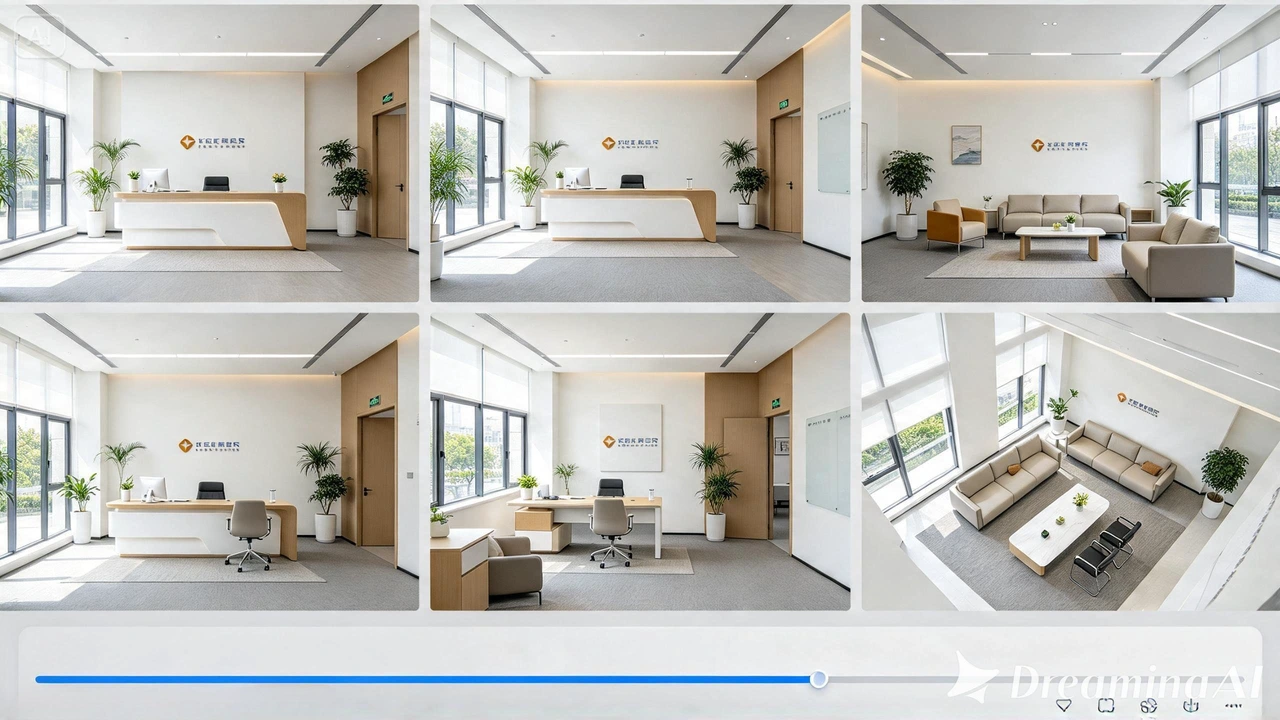
Where the camera sits determines what the viewer feels. A high angle gives context and calm, a low angle gives drama, and an eye-level view feels personal. Showing the same place from several positions lets you reveal its character in layers.
The core angles every location video needs
A small set of angles covers most needs. Mixing them gives the video rhythm and keeps it from feeling repetitive.
-
A wide establishing view that shows the whole place
-
A street-level walk-through for immersion
-
A close-up on textures, signs, or details
-
A high or aerial-style view for scale and layout
-
A framed view through a doorway or window
Planning transitions between angles
How you move from one view to the next matters as much as the views. Match cuts, slow pushes, and gentle pans create flow, while jarring jumps can break the spell. Describe the transitions in your prompt so the video feels like one continuous exploration.
Keeping the place consistent
The location should look the same from every angle. Repeating the same time of day, weather, and key landmarks helps viewers believe they are seeing one place. A reference image anchors these details and helps keep the setting steady.
Matching angles to your goal
Different goals call for different mixes. Real estate videos benefit from steady, wide views that show space, while travel videos benefit from lively street-level shots. An event promotion might lean on dynamic angles that convey energy.
Your multi-angle video in three steps
Step 1: Write a descriptive prompt
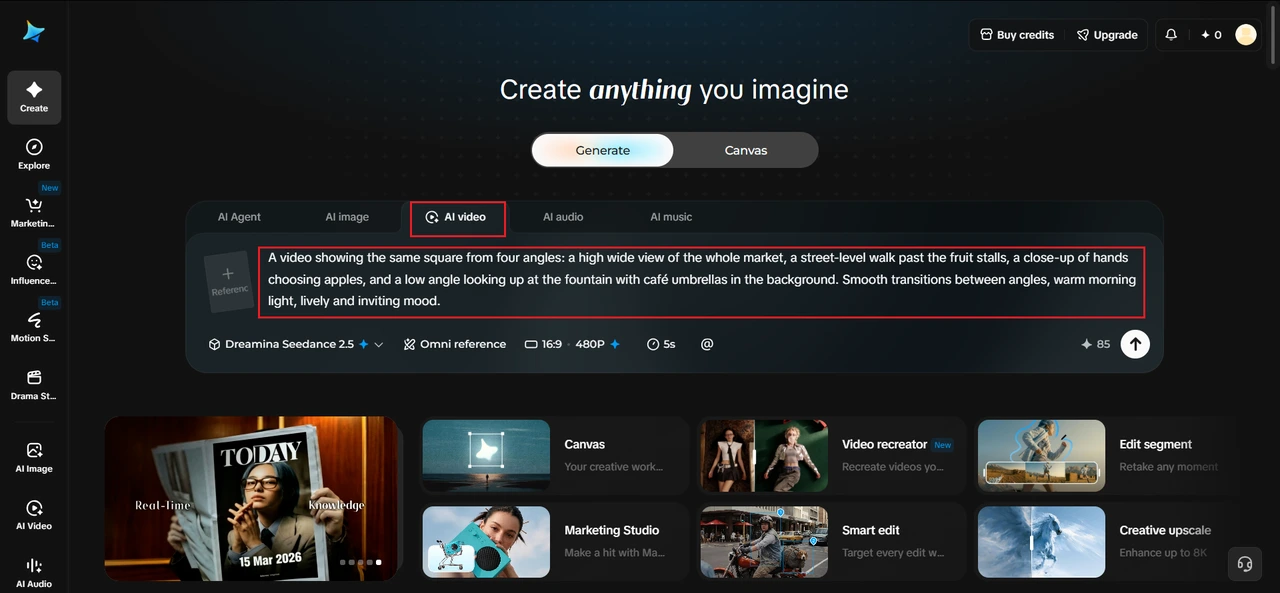
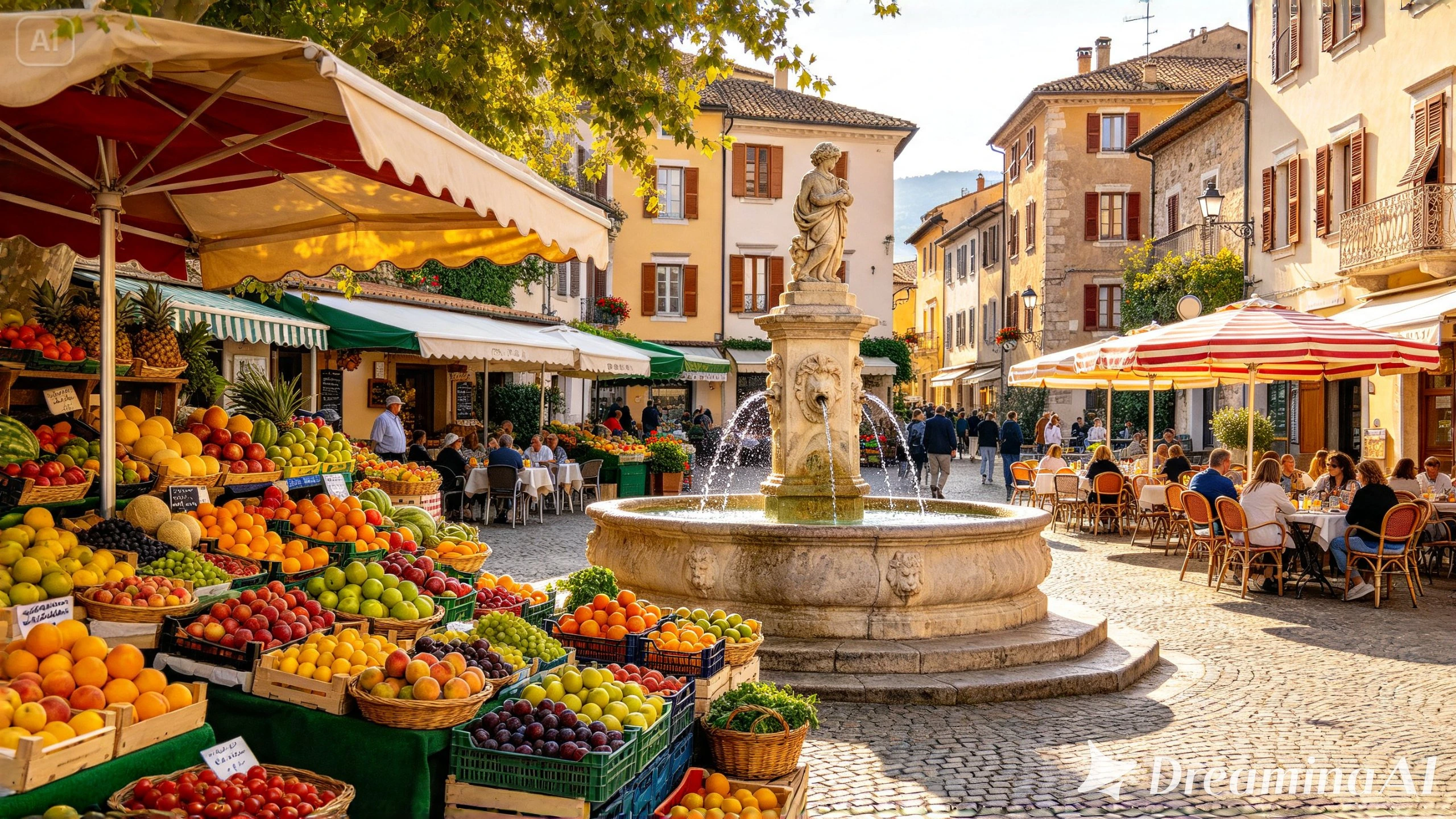
Visit Dreamina and sign in, then head to the “AI Video” section. Click “Add reference image” to upload your photo, then add your prompt to describe the video. In your prompt, state what to reference from the image, such as the market square, the fountain, and the café tables.
Sample prompt for a video: A video showing the same square from four angles: a high wide view of the whole market, a street-level walk past the fruit stalls, a close-up of hands choosing apples, and a low angle looking up at the fountain with café umbrellas in the background. Smooth transitions between angles, warm morning light, lively and inviting mood.
Generate Multi-Angle Videos Showing One Location from Different Perspectives
Step 2: Generate your video
After adding your image and prompt, choose the Seedance 2.5 model for the generation. Next, choose the video length, then a suitable aspect ratio, picking 16:9 for YouTube or 9:16 for TikTok. Finally, click Dreamina’s icon and wait a few seconds for processing.
Step 3: Enhance and export the video
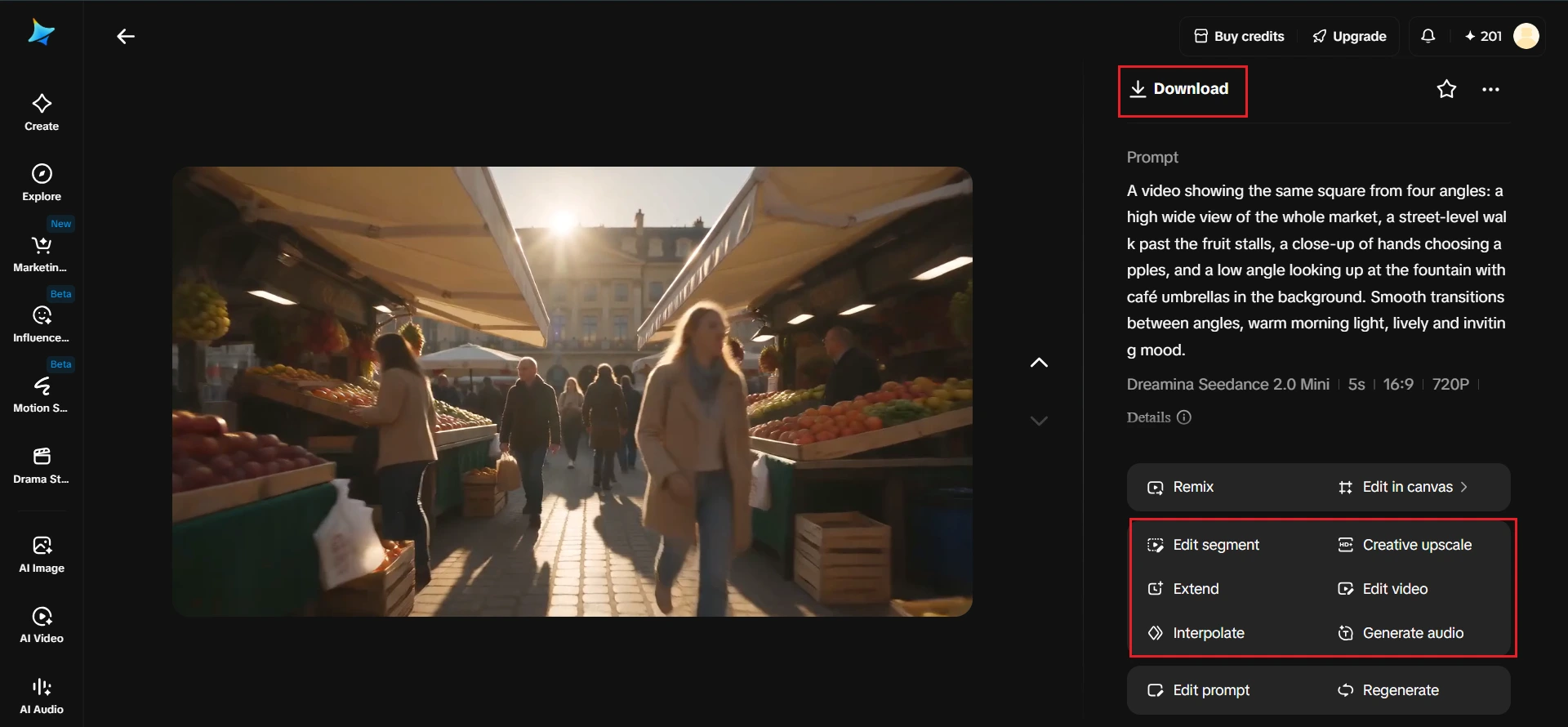
Polish your video before saving it with Dreamina’s AI editing tools. Use advanced tools like Upscale for higher resolution or Generate soundtrack to add audio. Finally, export your video and share it on social media platforms.
Seedance 2.5 features for multi-angle storytelling
Seedance 2.5 is the model you select in Dreamina for video generation, and several features help with perspective changes.
-
Reference image guidance: your photo anchors the location’s layout, colors, and landmarks.
-
Prompt following: it interprets descriptions of camera position and movement.
-
Draft mode: Seedance 2.5 Draft mode lets you test different angle sequences quickly before final output.
-
Format control: choose a duration and a 9:16 or 16:9 frame.
Where these videos perform best
-
Travel and tourism channels
-
Real estate and venue marketing
-
Cafe, hotel, and event promotions
-
Social campaigns that celebrate local places
Telling a time-of-day story
The same location changes dramatically from dawn to dusk. A multi-angle video can follow that shift, starting with quiet morning light and ending with evening glow. It adds a second layer of variety without needing a new place.
Using captions as a guide
Short labels such as “From above” or “At street level” help viewers follow the changes and add a playful structure. Keep them small and consistent, so they guide without distracting.
Building a series of locations
Once you have a format, apply it to other places. A series like “One street, four angles” gives viewers a recognizable pattern, and each new location offers fresh content with the same simple structure.
Representing places accurately
If you show a real location, keep landmarks, layouts, and facilities faithful to reality, and label any illustrative or concept clips clearly. Viewers who visit should find what they were shown.
See the whole place at once
One location holds many stories, and multi-angle videos let you tell several at a time. With Dreamina and Seedance 2.5, you can explore a place from every side in a single clip, and you can start creating yours today.
Related posts:

My Top 5 Free Stock Image Websites For Royalty Free Photos

6 Tips to Leverage Vimeo to Convert Leads Better

White-Label Solutions: The Secret to Profitable SEO Service Offerings

4 Steps to Creating Focused Content for Your Business

Should I Use WordPress For My Business Website in 2023?