

In today’s digital world your website is like your first handshake — it should be clean, quick, and not weird. Whether you’re a freelancer showing off art, a startup trying to look legit, or a small biz hunting for customers, a good site matters. But you don’t need a millionaire budget or a team of coders to get there.
Enter Zoho Sites — the no-code builder from Zoho Corporation that helps you slap together a professional site fast, no tech degree required. Think drag-and-drop, hosting taken care of, and no late-night plugin drama. It’s earned solid reviews (about 4.3/5) on Capterra and G2.
What Is Zoho Sites?
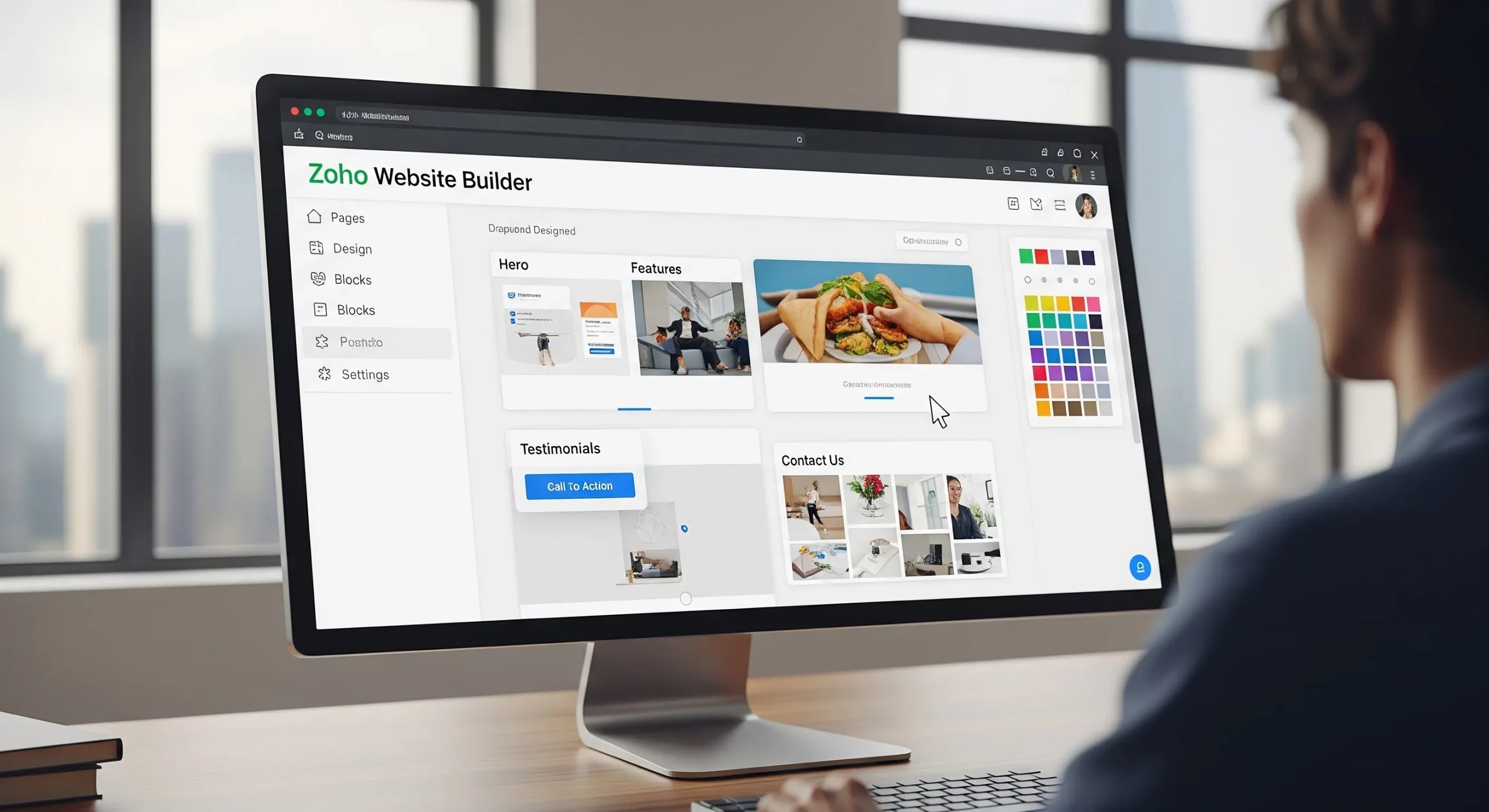
It’s a cloud website builder that feels like building with LEGO — only without those tiny pieces that vanish forever. Unlike heavy CMS tools like WordPress that need updates, hosting, and patience, Zoho Sites manages the boring stuff for you: hosting, security, and a friendly editor. If you want a solid, fast site without hair-pulling, it’s a smart, simple choice.
Key Features of the Zoho Website Builder
Zoho Sites manages to pack a lot of useful tools into a surprisingly affordable builder. Let’s break down the highlights in a simple way:
1. Drag-and-Drop Visual Editor
Building a page in Zoho Sites feels a bit like arranging stickers in a notebook — just click, drag, drop, and boom, it’s there. You can tweak fonts, colors, spacing, and layouts without touching code. But if you do like tinkering under the hood, there’s also an HTML and CSS editor for deeper control.
2. Designer-Made Templates
You get 44 clean, professional templates for different industries — business, photography, education, and more. They automatically adjust to phones, tablets, and laptops (which matters because most people browse on phones now, according to Statista). Sure, there are fewer templates than Wix, but the ones here are polished and easy to customize.
3. Built-In SEO Tools
If you want people to actually find your site on search engines, Zoho Sites helps with built-in SEO tools:
- Automatic sitemap generation to help search engines crawl your site efficiently
- Customizable meta titles and descriptions for every page
- 301 redirect management (available on Pro plan) to preserve link equity when you restructure your site
- Header and footer code injection for adding Google Analytics, tag manager scripts, and custom tracking pixels
4. Blogging Platform
Want to write articles or share updates? Zoho Sites includes a simple blogging tool with comments, scheduling, and social sharing. You can even import posts from platforms like WordPress or Blogger.
5. Free Image Library
Need photos for your site but don’t want to pay for stock images? Zoho Sites connects directly to free libraries like Unsplash and Pixabay. You can search and add images without leaving the editor.
6. Form Builder
Every business website needs forms — that’s how visitors turn into leads. Zoho Sites lets you create custom forms easily and even send submissions straight into Zoho CRM. It’s like your website quietly collecting potential customers for you.
7. Password-Protected Membership Portal
This one’s pretty cool. You can lock certain pages so only members can see them — perfect for online courses, exclusive content, or community areas. It supports up to 1,000 members, which is more than enough for most growing websites.
The Power of the Zoho Ecosystem: Integrations That Drive Business Growth
Here’s where Zoho Sites really flexes its muscles. Most website builders make you juggle a bunch of separate tools for things like CRM, email marketing, or analytics. It’s like trying to run a band where every musician is playing a different song. But Zoho Sites connects smoothly with the whole Zoho Corporation ecosystem, so everything works together.
- Zoho CRM — When someone fills out a form on your site, they instantly become a lead in your CRM. You can literally watch the journey from curious visitor to paying customer.
- Zoho SalesIQ — Add live chat and see who’s visiting your site in real time. It’s like having a friendly shop assistant ready to help visitors the moment they walk in.
- Zoho Campaigns — Turn website visitors into email subscribers and automatically send them newsletters or promotions.
- Zoho PageSense — Test different page versions, see heatmaps of where people click, and tweak your site to get more conversions.
- Zoho Analytics — Dive deeper into your data and build dashboards that show exactly how your site is performing.
If you’re already using Zoho tools (or planning to), this setup is incredibly powerful. Instead of messy, disconnected apps, everything lives in one tidy system — kind of like having your entire business control panel in one place.
Security and Compliance: Built to Enterprise Standards
A lot of small businesses don’t think about security until something goes wrong — kind of like forgetting a bike lock and hoping nobody steals your bike. Thankfully, Zoho Sites handles this from the start. Every site comes with:
- Free SSL certificates on all plans, ensuring encrypted HTTPS connections for all visitors
- Full GDPR compliance, critical for businesses serving customers in the European Union
- Automatic security updates managed by Zoho’s infrastructure team — no manual patching required
- Password-protected pages and site downloads for sensitive or internal content
Zoho Sites Pricing: What Do You Get for Your Money?
Pricing is refreshingly simple. Zoho Sites offers two main plans, plus a 15-day free trial so you can play around before paying. Plans are cheaper when billed yearly, and there’s also an agency option for people building multiple client websites.
| Feature | Starter ($5/month) | Pro ($17/month) |
| Storage | 500 MB | 100 GB |
| Bandwidth | 10 GB/month | Unlimited |
| Pages | 5 pages | Unlimited |
| Contributors | 1 | 3 |
| Custom Domain | Yes | Yes |
| SSL Certificate | Free | Free |
| Blog | Yes | Yes + Scheduling |
| 301 Redirects | No | Yes |
| Newsletter Subscription | No | Yes |
| Membership Portal | No | Add-on (1,000 members) |
| E-commerce | No | Add-on |
All prices are billed annually. Month-to-month billing is available at slightly higher rates. An Agency plan is also available for agencies managing multiple client websites — contact Zoho directly for pricing on this tier.
The cool part? The Starter plan is only about $5 a month, which is pretty wild when you consider it includes hosting, SEO tools, SSL security, and integrations with the wider Zoho Corporation ecosystem. On many other platforms, you’d have to pay extra for those pieces — here they’re already baked in.
Zoho Website Builder: Pros and Cons
Pros
- Extremely affordable pricing, starting at $5/month with a free 15-day trial
- Deep, native integration with the Zoho ecosystem (CRM, SalesIQ, Campaigns, Analytics)
- Clean, intuitive drag-and-drop editor suitable for non-technical users
- Built-in SEO tools, sitemaps, and 301 redirects on Pro plan
- Free SSL certificates and GDPR compliance on all plans
- Fully managed hosting — no server maintenance or technical overhead
- Access to free stock photos via Unsplash, Pixabay, and Google Images
Cons
- Fewer templates compared to Wix or Squarespace (44 vs. hundreds)
- E-commerce capabilities are limited and not suitable for large online stores
- Drag-and-drop can occasionally be overly sensitive, causing layout issues
- No mobile app for editing your site on the go
- Third-party integrations are more limited than competitors — best suited for businesses already in the Zoho ecosystem
Who Is Zoho Sites Best Suited For?
Not every website builder fits everyone, but Zoho Sites hits a sweet spot for a lot of people. Here’s who will love it most:
- Zoho Ecosystem Users: If you already use tools from Zoho Corporation like Zoho CRM or Zoho Campaigns, this is almost a no-brainer. Everything connects smoothly, like LEGO pieces that actually fit.
- Small and Medium Businesses (SMBs): If your budget says “instant noodles” but your business needs a professional website, Zoho Sites is a great option without hiring a developer.
- Freelancers and Solopreneurs: The $5/month plan is perfect for portfolios, personal brands, or service businesses that just need a clean, modern online home.
- Content Creators and Bloggers: The built-in blog tools, scheduling, and social sharing make it easy to publish content and grow an audience.
- Digital Marketing Agencies: Agencies managing multiple client sites can use the Agency plan to run everything from one dashboard without burning through their budget.
Zoho Sites vs Competitors: How Does It Stack Up?
Zoho Sites vs. Wix
Wix has tons of templates (800+), but it’s more expensive and doesn’t have built-in CRM power like Zoho. If you’re already in Zoho’s world, Zoho Sites usually wins on value.
Zoho Sites vs. Squarespace
Squarespace is famous for beautiful designs, but it starts around $16/month and lacks native CRM tools. Zoho Sites is often better for businesses focused on capturing leads.
Zoho Sites vs. WordPress
WordPress is incredibly powerful, but it’s like building a custom PC — amazing if you know what you’re doing, frustrating if you don’t. Zoho Sites is more like buying a laptop that already works right out of the box.
Conclusion: Is the Zoho Website Builder Right for Your Business?
Here’s the simple truth: Zoho Sites doesn’t try to be everything — and that’s actually its superpower. It focuses on giving small businesses, freelancers, and marketers an easy way to build a clean, professional website without tech headaches or crazy costs.
If platforms like WordPress feel too complicated or Squarespace feels a bit pricey, Zoho Sites sits nicely in the middle. You still get powerful tools like SEO features, form builders, GDPR compliance, and smooth integrations with things like Zoho CRM.