

If your website is not showing up in search, it is usually not some big scary mystery. More often, it is one annoying, fixable problem hiding in plain sight — and an SEO audit report tool helps you catch it fast.
Think of it like a flashlight for your website. It spots the stuff that quietly hurts rankings, like broken redirects, slow pages, missing meta descriptions, and pages that search engines never even find. Sneaky little gremlins, honestly.
Whether you run a small business site, an online store, or work on an SEO team, learning how to choose and read an audit tool can give you a huge advantage in 2026.
This guide breaks down what these tools do, which ones are worth your time, how to read the results without getting lost, and how to turn the fixes into real ranking wins.
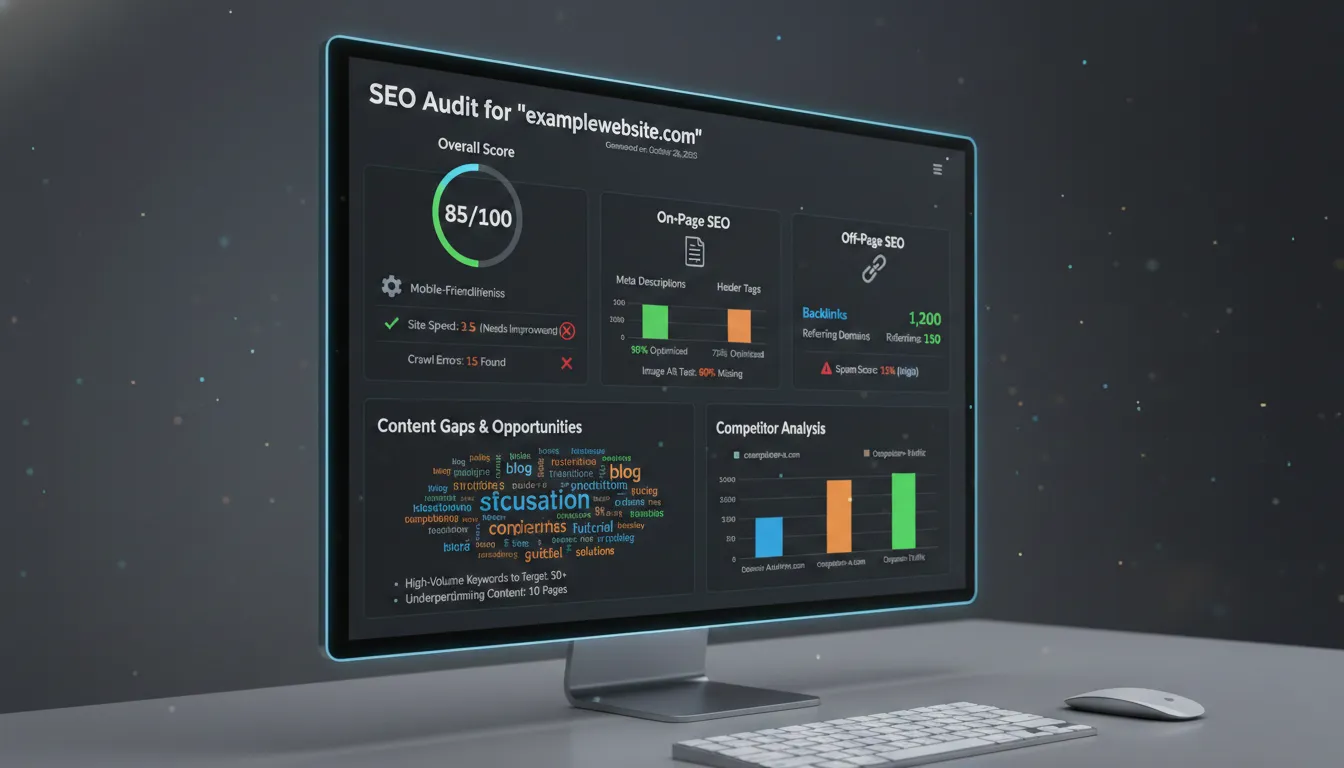
What is an SEO audit report tool — and why does it matter?
An SEO audit report tool is basically like a super-smart robot that checks your website the same way Google does. It scans every page, looks for problems, and gives you a clear report showing what is broken, what is okay, and what needs fixing — kind of like a report card for your site.
But here is the real magic: it tells you what actually matters first. Without it, doing SEO is like trying to clean your room in the dark — you might spend hours and still miss the biggest mess under your bed. With a good tool, you can scan thousands of pages in minutes and go straight to the problems that are quietly killing your rankings.
What a Good SEO Audit Report Covers
The best SEO audit tools are not just giving you a random score — they are like a full check-up for your website, head to toe. Think of it like going to a doctor who actually explains what is wrong instead of just saying “you’re sick.”
Here is what a solid audit looks at:
- On-page SEO: Are your titles, descriptions, headings, and keywords clear and actually making sense — or are they a mess that confuses Google?
- Technical crawlability: Can Google even find your pages, or is your site basically hiding in the dark like it forgot to turn the lights on?
- Core Web Vitals: Does your site feel fast and smooth, or does it lag like a game on a bad internet connection?
- Site speed and performance: If your page loads too slow, people leave. Simple as that.
- Mobile usability: Does your site look good on a phone, or do users have to pinch and zoom like it is 2010?
- HTTPS security: Is your site safe, or does it look sketchy with security warnings?
- Backlink health: Are other sites recommending you like a trusted friend, or are you getting spammy links dragging you down?
- Indexation status: Is Google actually showing your pages, or are they just sitting there doing nothing?
- Duplicate content: Are you repeating yourself so much that Google gets confused and ignores you?
- Structured data/schema: Are you helping Google understand your content better, or just hoping it figures it out?
And now in 2026, there is a new twist — AI visibility. The best tools check if your content shows up in AI answers, not just search results. Because let’s be real, search is changing fast, and if you are not showing up there, you are already falling behind.
The best SEO audit report tools in 2026
The market is well-populated, but not all tools are equal. Here’s a breakdown of the platforms that consistently deliver real diagnostic value:
Semrush Site Audit – Paid
This one is like bringing a whole tech army to check your website. It runs 140+ checks and shows you everything — not just what’s broken, but how your keywords, content, and competitors all connect. If SEO were a video game, this is basically “full map unlocked.”
Ahrefs Site Audit – Paid
Super strong when it comes to how your site is built and how pages connect. It even shows you visual maps, which honestly feels like looking at your website’s brain. Pair it with Ahrefs’ backlink tools and you’ll see who’s talking about you online — and whether that’s a good or bad thing.
Screaming Frog SEO Spider – Freemium
This one is for the nerds (in a good way). It’s like popping the hood of a car and checking every wire. Super customizable, super powerful — perfect for big changes like site migrations or fixing messy redirects. Developers love this thing.
SE Ranking – Paid
If you want something powerful but not crazy expensive, this is your go-to. It’s like getting a full toolkit without emptying your wallet. You get audits, rank tracking, and optimization tools all in one place — starting at about the price of a few snacks a month.
Google Search Console – Free
This is non-negotiable. Seriously. It’s straight from Google, so it’s like getting insider info from the teacher who writes the test. It tells you what pages are indexed, what’s broken, and how your site is performing. If you skip this, you’re basically guessing.
SEOptimer – Freemium
Quick, simple, and surprisingly useful. It gives you a fast overview of what’s working and what’s not. Plus, it creates clean reports you can show to clients — or just flex on your friends if you’re into that.
Sitebulb – Paid
This one makes complicated stuff easy to understand. It groups problems and shows patterns visually, so instead of drowning in data, you actually “get it.” Great if you need to explain SEO to other people without putting them to sleep.
Surfer SEO – Paid
Focused on content and the future of search. It helps you write pages that actually rank and even tracks if you show up in AI-generated answers. Basically, it is built for where SEO is heading, not where it used to be.
How to perform an SEO audit: a step-by-step framework
Running a tool is the easy part. Knowing what to do with it? That’s where people get stuck. Think of this like fixing up a messy room — you don’t just stare at it, you clean it step by step.
- Establish your baseline: Before you touch anything, check Google Analytics and Google Search Console. See what pages are already doing well.
- Run a full site crawl: Let your audit tool scan everything. It will show errors (bad), warnings (meh), and notices (nice-to-fix). Start with the big, ugly errors first.
- Audit your indexation: Search “site:yourdomain.com” on Google. If way too many pages show up, you might have “zombie pages”.
- Fix technical issues first: Broken links, weird redirects, duplicate titles — fix these first. It’s like fixing a cracked phone screen before downloading new apps.
- Evaluate Core Web Vitals: Use tools like Google PageSpeed Insights. If your site is slow, people bounce. Fast. Compress images, clean up code — make it snappy.
- Check mobile usability: If your site looks weird on a phone, you’re in trouble. Google cares about mobile first, so should you.
- Audit on-page elements: Titles, descriptions, headings — make sure each page is clear and not just copy-paste chaos. Every important page should feel intentional.
- Analyze your backlink profile: Tools like Ahrefs or Semrush show who’s linking to you. Good links = trust. Spammy links = trouble.
- Build a prioritized fix list: Don’t try to fix everything at once. Go for quick wins first — big impact, low effort. That’s how you level up fast.
- Re-audit and track: SEO isn’t “set it and forget it.” Keep checking, keep improving. Think of it like going to the gym — one workout won’t do it, but consistency will.
Reading your SEO audit report: what to look for first
Most tools throw a big dashboard at you with scores and warnings — and yeah, it can feel overwhelming. But don’t panic. Think of it like a game: you just need to know which enemies to defeat first.
- Triage checklist — Pages with 4xx or 5xx errors — these are basically dead pages. Nobody sees them. Google doesn’t either. Fix ASAP.
- Long redirect chains — if a page jumps around too much, it’s like sending someone through five doors to find a bathroom. They’ll give up.
- Blocked pages — sometimes you accidentally tell Google “don’t look here.” Oops.
- Missing or duplicate titles/descriptions — this confuses search engines and kills your click chances.
- Bad Core Web Vitals — slow, jumpy pages = people leave fast. No one likes waiting.
- HTTPS issues — if your site looks unsafe, people bounce instantly.
- Missing image alt text — small thing, big impact for accessibility and search.
- Thin content — pages with barely anything on them? Google just shrugs and ignores them.
Choosing the right SEO audit tool for your needs
Not every tool is built the same. Picking one is like choosing gear in a game — you want the one that fits your playstyle.
- Crawl coverage: Can it actually scan your whole site, or does it miss stuff?
- Reporting quality: Does it clearly tell you what’s urgent, or just dump data on you?
- Integrations: Does it connect with Google Analytics and Google Search Console? It should.
- Automation: Can it check your site regularly without you babysitting it?
- Scalability: Will it still work when your site grows bigger?
- Ease of use: Be honest — will you actually use it, or will it just sit there looking scary?
For most people, SE Ranking hits that sweet spot — powerful but not overwhelming.
If you’re going big, Semrush is like the all-in-one powerhouse.
And if you need clean reports for clients, SEOptimer (or tools like AgencyAnalytics) will save you a ton of time and headaches.
The Future of SEO Audit Tools: AI, Automation, and Generative Search
SEO tools are leveling up fast. In 2026, they don’t just tell you what’s broken — they’re starting to tell you how to fix it and even guess what will happen if you do. It’s like going from a basic calculator to a smart assistant that actually helps you think.
Soon, these tools won’t just run once in a while. They’ll be watching your site 24/7, catching problems before your traffic drops. Honestly, the line between an “SEO tool” and an “SEO teammate” is getting blurry.
There’s also a new game in town: AEO (Answer Engine Optimization). That’s just a fancy way of saying, “Will AI tools mention you?” Platforms like ChatGPT, Gemini, and Perplexity AI are becoming search engines themselves. So now it’s not just about ranking — it’s about being the answer.
Conclusion: Your SEO Audit is a Competitive Advantage
An SEO audit tool isn’t some fancy extra — it’s your unfair advantage. The sites winning in 2026 aren’t just posting more content. They’re fixing problems early and staying consistent.
Here’s the simple play: pick a tool, scan your site, fix the biggest issues first, and keep repeating. That’s it. Not sexy, but it works.
I’ve seen sites boost conversions by around 30% just by fixing what their audit told them. That’s like turning the same traffic into way more results — no extra ads needed.
Start with Google Search Console. It’s free and shows you exactly what Google sees. Then level up with better tools as you grow.
Ignore your SEO audit, and your site slowly disappears. Pay attention to it, and you build something that keeps growing — like compounding interest, but for traffic.